

Apple Opens Siri AI Integration to All App Developers: What Businesses Need to Know

News Editor at The NineHertz, covering the latest developments in artificial intelligence,…
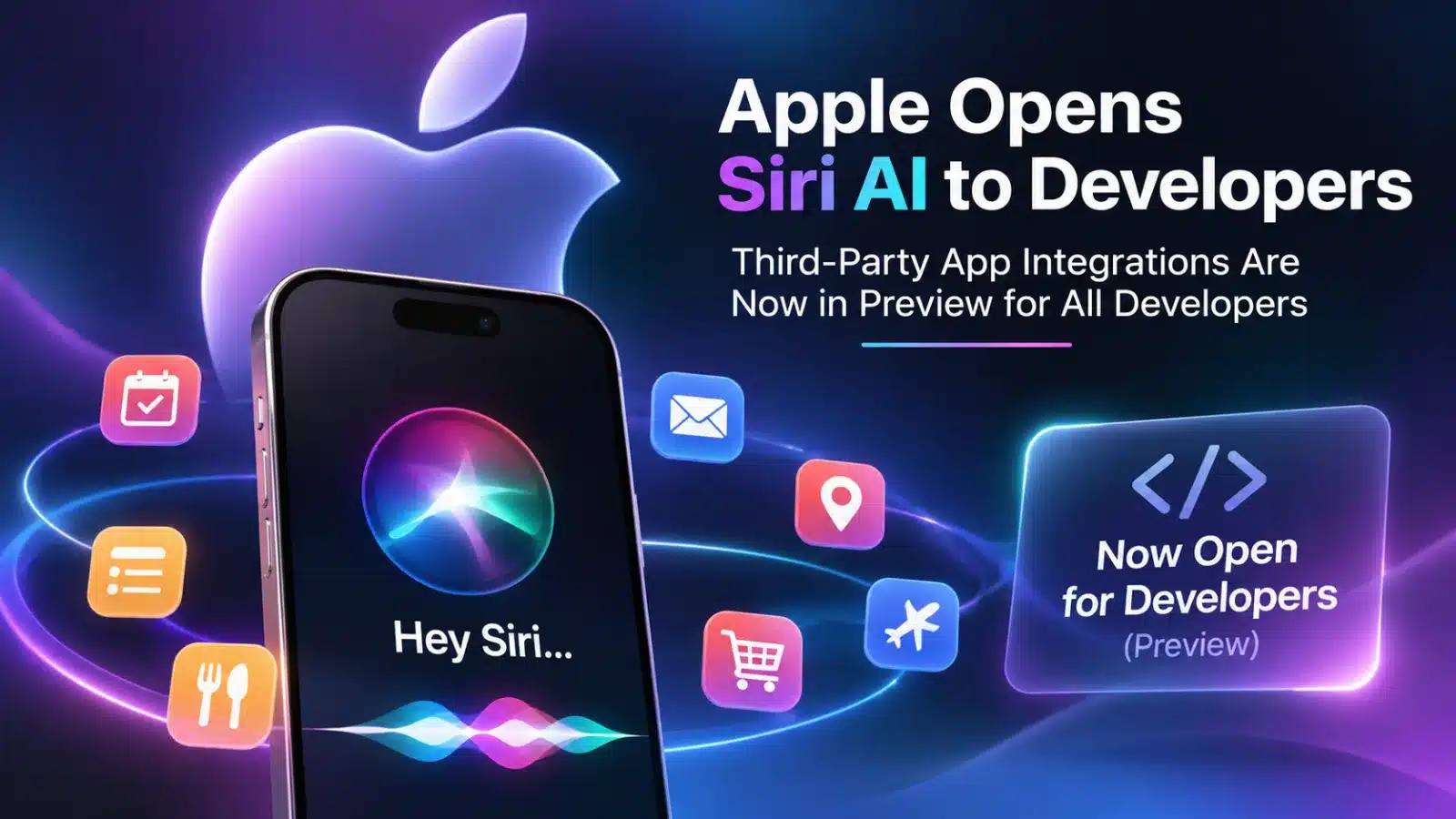
Any app can now hand its own actions to Siri AI through App Intents and teach the assistant multi-step tasks with “app skills.” Customers won’t see the results until Apple ships them in the coming months, with App Store submissions opening in spring.
Apple has lifted the main limit on how far Siri AI can reach into third-party apps. In a developer announcement on November 3, the company opened a Siri AI Developer Preview to every developer, starting with the iOS 27.3, iPadOS 27.3, macOS 27.3 and visionOS 27.3 betas. Apps can now expose their own custom actions and content to Siri AI through Apple’s App Intents framework. Apple also added a new mechanism, app skills, to guide the assistant through requests that take several steps.
The catch is timing. The new third-party integrations introduced in this developer preview are not yet available for general customer release. Apple expects to make these capabilities available to users in the coming months, with App Store submissions opening in spring. The terms and usage policies governing these integrations have not been published.
From Fixed Templates to Any Action an App Defines
Apple unveiled Siri AI at WWDC26 in June as a rebuilt, conversational assistant, according to its WWDC26 announcement. Until now, its access to third-party apps ran through app schemas: predefined templates Apple built for common task types. An action that fit a template could work with Siri AI. One that didn’t was invisible to it.
The preview expands what developers can make available to Siri AI, allowing apps to expose custom actions beyond Apple’s predefined schemas. A delivery app can expose order tracking, a restaurant platform can expose reservations, and a retailer can expose checkout, even when no schema describes those actions. Those are the kinds of examples Apple itself gives. The actions can draw on Siri AI’s main capabilities: personal context, awareness of what is on screen, and natural phrasing, so users don’t need to learn fixed commands. Siri can only use what an app explicitly makes available; nothing is exposed automatically.
Two further changes widen the reach. Siri AI can now surface any item an app has added to the Spotlight semantic index, not only items that match an existing schema. And users often won’t need to name the app. According to Apple’s Siri AI Developer Preview documentation, Siri infers the target when an app is in the foreground, running a Live Activity, or already mentioned in an ongoing conversation in the Siri app. A request to change a ride’s pickup address, for instance, can route to the ride-hailing app whose Live Activity is showing. Apps running in the background still need to be named. When Siri returns an app’s content, it displays it in card snippets the app supplies, built from the app’s own views and branding.
Requests can also cross app boundaries. In Apple’s example, a person asks Siri to send the sneakers they favorited in a shopping app to their partner through a messaging app. Siri finds the saved item, identifies the partner in Contacts and completes the send in the messaging app. For handoffs like this to work, the content passed between apps needs a transferable representation that the receiving app can handle.
How the Integration Works?
For developers, the core change is small. An existing App Intent becomes something Siri AI can call, which Apple terms a tool, by adding the @AppIntent(.tool) macro. Intents that already conform to a Siri-supported schema don’t need it. Intents built on schemas that support Shortcuts but not Siri can be turned into tools with a schema-aware form of the same macro.
The text attached to each intent now carries real weight. Siri’s model reads the title and description of each intent and its parameters to decide which action fits a request and how to fill it in. Strings written for a settings screen will need rewriting for a language model. Anyone familiar with how AI agents plan and call tools will recognize the pattern: an app’s intents become a tool catalog, and their descriptions become the instructions the model reads.
Siri also learns from behavior. When people perform actions inside an app, the app can donate the matching intents to the system, which helps Siri choose between similar actions later. And for some tasks, Siri can build the needed data straight from the request. Apple’s example is an airline app’s flight search, where Siri fills in origin, destination, date and cabin class from what the person said, without first querying the app.
App skills cover what a single intent can’t. Each skill is a Markdown file, SKILL.md, stored in a skills bundle inside the app. Apple’s app skills documentation describes the format as a subset of the open Agent Skills format used by other AI agents. Siri reads a skill’s short description to decide whether it applies, and only after a match does it load the body, which is capped at 10,000 characters and explains which actions to combine, which to prefer and what to avoid. Apple points to requests such as comparing shoes on sale that match a person’s style as the kind of ambiguous, multi-step task where Siri needs this extra guidance.
Apple is explicit that skills are guidance, not enforcement. Its documentation says they cannot be used to enforce deterministic behavior, and Siri doesn’t simply perform the tools a skill lists in sequence. Anything that must not happen without consent, such as a payment, a deletion or exposure of account data, has to be protected in code. App Intents offers authentication policies for entities and intents, plus a setting that hides properties from Siri entirely. Entities require no authentication unless a developer sets a policy, so older intents deserve an audit before they are exposed.
Apple’s integration guide shows how granular this can get with a bank-account example. Siri may acknowledge that the account exists, but it needs the person to authenticate before showing the account’s nickname and a device unlock before showing its balance. The routing number is marked internal, so Siri never reads it at all. One caveat matters for builders: a property-level policy only governs what Siri says in its responses. If an intent returns sensitive data as its result, the policy must be set on the intent itself.
Testing changes shape too, because a model now decides which action runs. Apple’s preview documentation describes a Siri Integration Advisor in Xcode, which suggests improvements to an app’s App Intents setup, and a new Siri Evaluations framework for scripted, multi-turn test conversations. These check which intents Siri calls, the values it passes, which content it finds, which skills it loads and what it says. Apple warns that Siri’s responses can vary between runs, so test sets need to run more than once. That is the same evaluation discipline AI-focused quality engineering already applies to generative features.
Apple’s Own Apps Show the Scope
Apple is building on the same foundations in its first-party apps. The 27.3 betas add Siri AI actions across Calendar, Files, Finder, Journal, Mail, Maps, Messages, Music, Notes, Photos, Preview, Reminders, Safari, Shortcuts and Weather. Apple’s examples include finding a coffee shop visited last week and archiving files untouched for a year.
9to5Mac’s early look at the beta found Siri scheduling and unsending messages, building playlists, and creating calendar events with invitees and video links. Apple suggests developers simply ask Siri AI what it can do in each app. That is a practical way to study interaction patterns before designing their own.
Who Can Test It, and When Users Will See It
| Item | Status as of November 4, 2026 |
|---|---|
| Custom tool intents and app skills | Available in the 27.3 developer betas |
| Who can run integrations | Development-signed builds and internal TestFlight testers only; not external TestFlight testers or App Store users |
| Release to customers | Planned within a few months; no date given |
| App Store submissions with Siri AI integrations | Opening in spring |
| Terms and usage policies | Not yet published |
Apple’s documentation also cautions that the App Intents API and Siri’s behavior may change during the preview. The company scheduled two online Apple Intelligence Group Labs on November 4 and 5 for developers to put questions to its engineers.
The Conditions Attached
Siri AI’s reach is narrower than “every iPhone.” It requires an Apple Intelligence-capable device set to a supported language. Apple’s June announcement lists iPhone 15 Pro and iPhone 16 models or later, and iPads and Macs with M1 or later, among other devices. Supported languages are English, French, Japanese, Korean, Portuguese and Spanish. Traditional Chinese, Norwegian, Turkish and Vietnamese are announced as coming soon.
Siri AI remains unavailable in the EU on iPhone, iPad and Apple Watch. Apple says it is working with the EU on a path forward. The assistant is not offered to users under 13.
Siri AI is also among the server-backed Apple Intelligence features with daily usage limits, alongside intelligent photo editing tools, Image Playground and cloud models in Shortcuts. Those limits vary with demand and request complexity, and Apple says expanded access will be available for a fee in future. It hasn’t said whether the limits apply differently to requests that end in a third-party app’s action.
What It Means for Businesses
The following is analysis based on Apple’s announcement and documentation, not statements from Apple.
Asking becomes a way in. Apple frames the preview as a new way for businesses to reach customers who simply ask for what they need. As more requests start in Siri rather than on a home screen, an app’s intent descriptions start to work like search listings. Clear, specific descriptions make an action easier for the model to choose.
The hard part is product design. Wiring an intent is quick. Deciding which actions to expose, how to describe them, which need authentication, and which multi-step journeys deserve a skill is a design exercise. It looks much like scoping an agentic AI workflow: defining tools, guidance and the boundaries a model must not cross.
Native code matters. App Intents is a Swift framework. Teams building with React Native or Flutter will need a native layer to expose their actions to Siri AI, which is worth factoring into 2027 roadmaps.
With App Store submissions expected to open in spring 2027, developers have an opportunity to prototype integrations, test multi-step workflows and provide feedback during the preview period. Apple has said it wants developers to help shape these experiences before launch, and early testers are best placed to do that.
What Remains Unclear
Several questions are still open. Apple hasn’t published the terms and usage policies, so it is unknown whether App Review will add Siri-specific rules for sensitive actions. There is no word yet on analytics showing how often Siri invokes an app’s intents. Exact release dates, the effect of usage limits on third-party actions, and any change to the EU restriction are also unannounced.
The Bottom Line
Apple is expanding Siri AI beyond predefined app-action categories, allowing developers to expose custom actions through App Intents. The new capabilities remain subject to developer implementation, platform requirements and Apple’s policies. For now, that power stays in developer betas. The practical steps are clear, though: audit existing App Intents, rewrite their descriptions for a model, lock down sensitive entities, prototype one app skill, and build a repeatable evaluation suite. Teams planning their iOS app development roadmap for 2027 now have a concrete deadline to plan around: spring.
News Editor at The NineHertz, covering the latest developments in artificial intelligence, emerging technologies and global industry trends, with a focus on innovations shaping enterprise technology and the future of business.