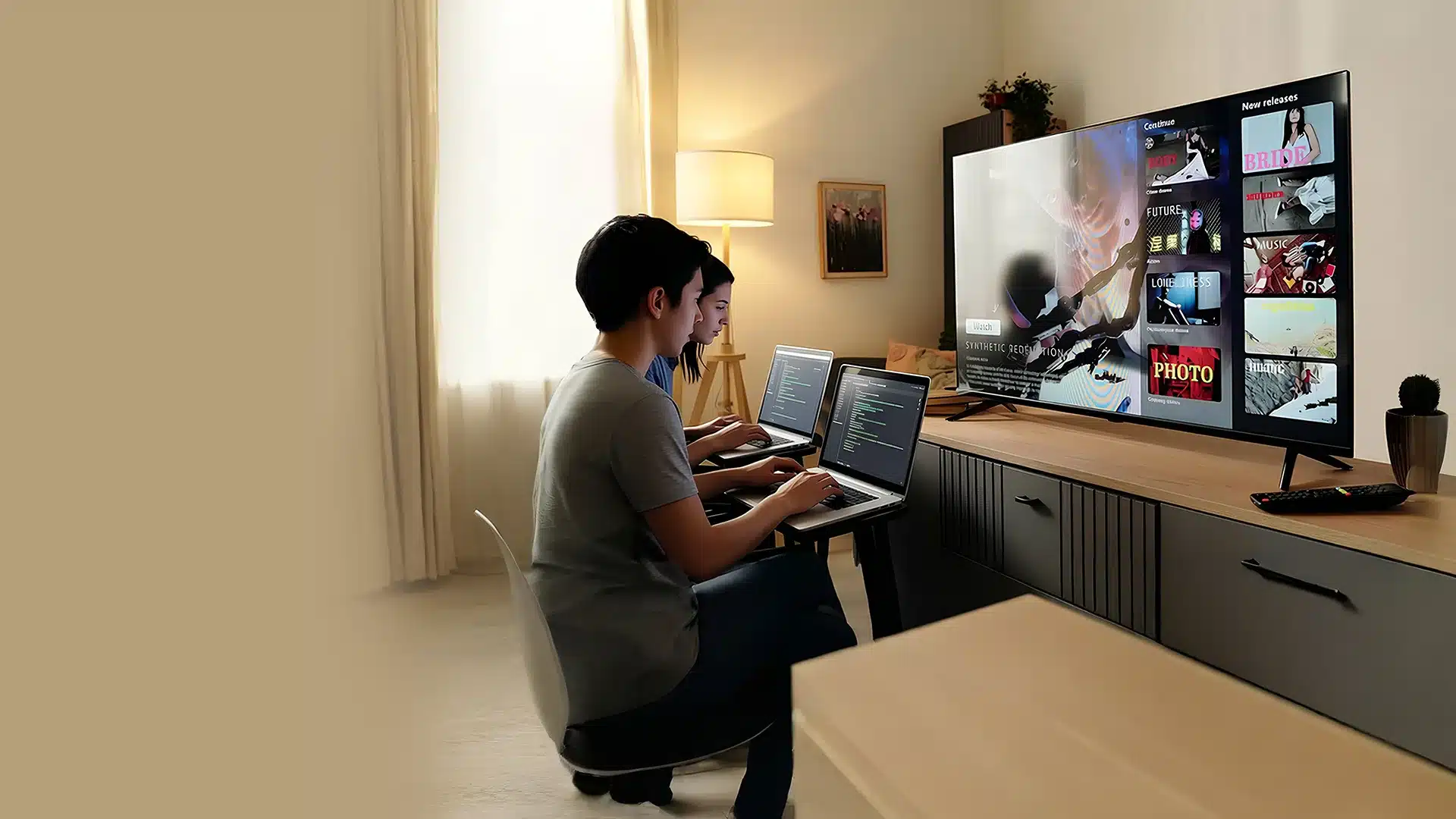
It’s 2026, and Android TV has been a gateway for binge watchers! Android TV apps provide direct access to streamlined online content through the user’s account and home comfort. It has several benefits, including easy navigation, flexible subscriptions, and in-app purchases. Across the globe, Android TV powers millions of smart TVs, delivering a unified streaming experience across devices and set-top boxes.
According to Statista, it is predicted that the number of users for the OTT video segment is expected to grow and reach 3,508 million by 2027. Built to support the mobile-first experience on TV, the Android TV app is developed using Android Studio to develop a supportive user interface.
If you are looking for a complete guide for Android TV app development, this blog is all you need. From cost, tech stack to development process, let’s understand all the details in one place.
In 2014, Google launched Android TV, a platform for operating systems designed for digital media players and soundbars. It can easily integrate with numerous types and sizes of TVs to navigate more than 7,000 apps available across the internet. Over 1 billion smart TV users worldwide are connected through a television setup, and more than 41% of them run on Android TV, compatible with over 10,000 OTT apps. Big giants like Panasonic, Skyworth, Sony, Xiaomi, TCL, and Hisense have captured over 58% share of the market across the globe.
Android TV app development now comes with AI-based recommendations that have reportedly increased viewer engagement by 29% with built-in casting settings.
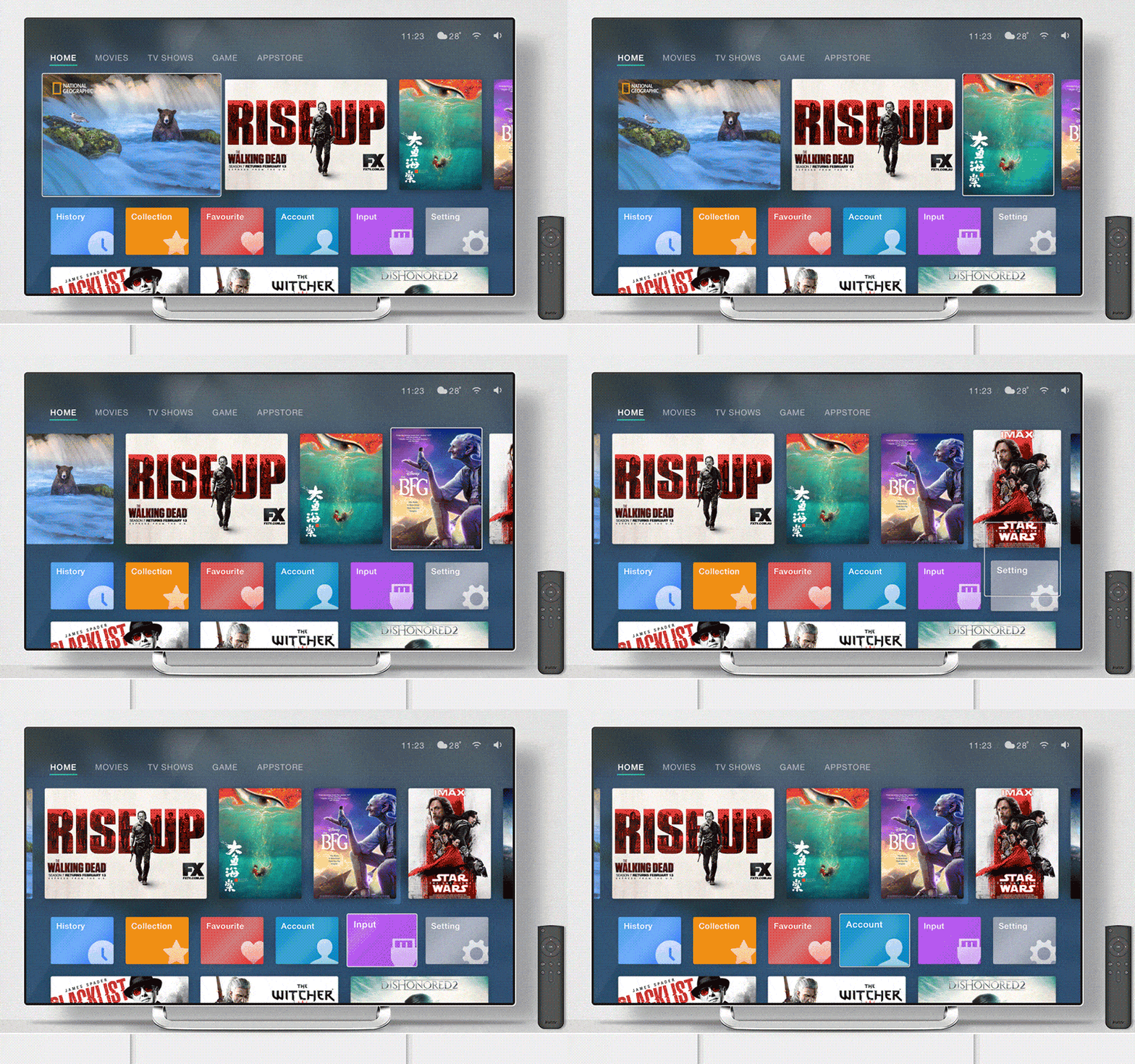
The Android TV app is specifically designed to run with the Android operating system, connecting through Smart TVs, set-top boxes, and streaming dongles. These apps come with an optimised user interface for larger screen space and remote control navigation for the system. The integrated platform enables users to access media apps, entertainment content, and games through the Google Play Store. Flexible monetization options and high-quality streaming services support Android TV, ensuring long-term scalability.
Android TV apps are developed using the Android SDK, which uses a specific design, user interface, and guidelines. Android TV SDK, or software developer kit, is a collection of resources and tools that support running TV apps within the Android ecosystem. It follows the same fundamental steps to develop apps for Android smartphones; it just requires additional steps for Android Smart TV.
With the use of a simple layout, clear navigation, bold visuals, and larger text, it provides focus-based navigation that feels like using a phone app. It prioritises improved content consumption, fast access to media, minimal user input, and seamless searches with voice commands.
Android TV app helps brands to reach a wide number of users, providing home setup comfort and gaining higher engagement rates. It provides more opportunities for content monetisation, paid subscriptions, and brand visibility.

Developing an Android TV app is a steady task that begins with deep research for the market, planning, and learning for platform integrity, along with its features and services. As OTT platforms are growing, Android TV apps are gaining more traction with more choices of content to navigate. The process begins with prototyping, testing for content optimisation, and gradually shifts to additional settings like live-streaming, AI-recommendation, and monetisation to build from the start.
Here is the streamlined process for Android TV app development:
Effective research for OTT platforms will help to mitigate the risk of developing an application that might not connect with users and cause financial loss. To avoid such instances, begin with competitor research, analysing upcoming trends, and determining the target audience, such as age, gender, interests, and preferences.
Discover all the required Google Android TV guidelines that provide instructions for app design, navigation, and functionalities. In case of non-compliance with guidelines, the Google Play Store will automatically reject Android TV apps that violate guidelines. Referring to these guidelines will help to address the issue beforehand. App testing will be done to check for user-friendliness and an intuitive user interface.
Android TV app development begins with drawing a prototype design, the layout of the application, and a wireframe that aligns well through client’s expectations. These apps come with limited control and are compatible with remote functions that will pose challenges for the UI/UX design process. Based on the platform adaptability, developers can design an intuitive design to ease navigation and access usable features.
Here comes the step to develop core features and elements based on the Android TV app design. It should be done in phases, as using too many features at once can make it harder to get rid of bugs. So, as the app usage evolves, you can expand the features for better functionalities, integrating third-party APIs, and adding support for platforms like Spotify, Netflix, or YouTube.
Once the Android TV app is ready to deploy, there’s another step: testing for performance. QA engineers and testers track features while fixing bugs to improve performance. App testing will be conducted in real-world environments using physical devices, with cloud-based testing used when specific devices are unavailable.
After successful testing and eliminating bugs, it’s time to launch the app on the Google Play Store. Here, the team can critically look for SEO tactics to ensure that the app gets the maximum user base. Before deployment, draft an informational app description along with high-quality visuals to attract attention.
Post app launch, Android TV support is required to keep the application active and bug-free using regular updates. After gathering users’ feedback, the development team identifies any gaps and develops additional features. Also, the user support feature helps to retain more users, improve the app’s ratings, and increase revenue sources. Here is an ultimate guide on Apple TV app Development.
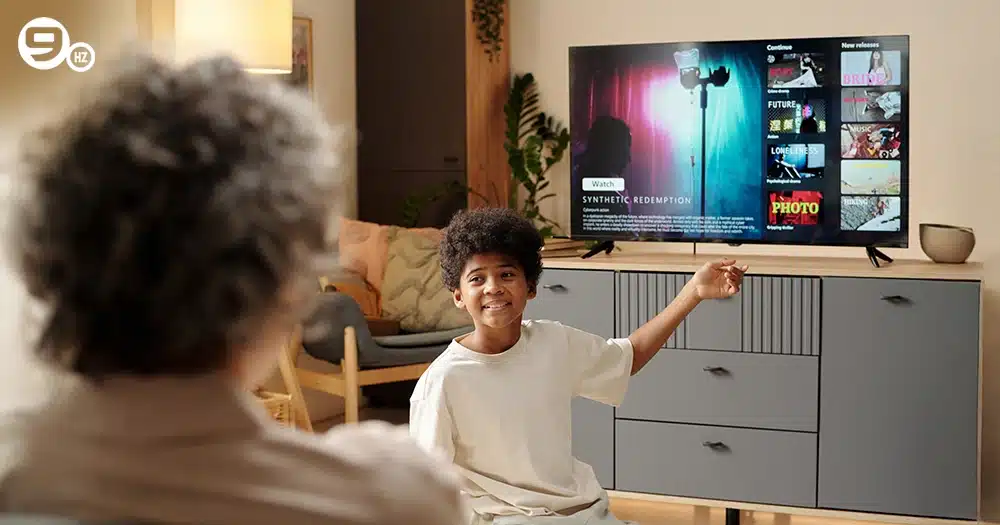
From a technical perspective, Android TV app development in 2026 places strong emphasis on 10-foot UI design and high-performance media delivery. Additionally, Compose for TV has become the standard framework for building declarative user interfaces, optimized for large-screen displays and remote-based interaction. Why are these facts important? As without technical specifications, it is difficult to build the best Android TV application that aligns with user demands.
For developing a scalable and best-performing Android TV app, it is required to choose the right set of tech stack that supports development. Each platform for the Android TV app comes with its own requirements. Integrating the right tech stack will help to deploy applications without any compatibility issues.
Here is the list of tech stacks used for Android TV app development based on the phase of development:
Smart Android TV app development requires multiple frameworks like Samsung Tizen, HTML, CSS, React, Vanilla JS, and JavaScript, used for creating responsive layouts and handling navigation. It relies on Android devices frameworks backed with Kotlin and Java inside Android Studio, while for the Apple version, apps are built using Swift in Xcode. Multiple teams work on Flutter or React Native with shared codebases for targeting multiple platforms at once.
For Android TV app development, it requires strong backend support with technologies, including Python, Node.js, or Go, for API development. Also, other tech included scalable cloud services such as Azure, GCP, and AWS, along with PostgreSQL, MongoDB, or DynamoDB for content storage and database.
Automated testing tools are used to examine bugs and validate functionalities across multiple TV UX setups. Some key technologies like Appium, Cypress, and Jest are used for functional testing and UI designing. On the other hand, DevOps pipelines rely on GitLab CI, GitHub Actions, and Jenkins to automate running tests and pushing releases.
Different types of tech stacks are used based on the type of development:
Under this approach, Smart TV apps use platform-specific technologies for optimised performance. Android TV apps built using JAVA or Kotlin, and other tech.
For this type of development, Smart TV apps run through multiple platforms using frameworks like JavaScript, HTML5, Flutter, and React Native. It helps developers to target WebOS, Fire TV, tvOS, and Apple TV based on the preferred frameworks.

In today’s competitive digital era, ever wondered how much Smart TV app development costs? Overall, the cost varies based on multiple factors, depending on the app’s complexities, platform integrations, and development types that the company uses. While estimating cost, it is crucial to assess features, including content management systems, video streaming quality, user authentication, multi-device support, and personalised recommendations.
Here is the comprehensive table representing the Android TV application development cost:
| App Complexity | Features Included | Estimated Development Time | Estimated Cost (INR) | Estimated Cost (USD) |
|---|---|---|---|---|
| Basic App | Static content, basic UI, media playback, remote navigation | 4–6 weeks | ₹3,00,000 – ₹6,00,000 | $3,500 – $7,000 |
| Medium App | User login, content categories, APIs, analytics, HD streaming | 8–12 weeks | ₹7,00,000 – ₹12,00,000 | $8,500 – $14,500 |
| Advanced App | Live streaming, subscriptions, DRM, recommendations, multi-profile | 3–5 months | ₹15,00,000 – ₹30,00,000 | $18,000 – $36,000 |
| Enterprise App | OTT-level features, AI recommendations, cloud backend, scalability | 6+ months | ₹35,00,000 – ₹70,00,000+ | $42,000 – $85,000+ |
Android TV apps are not just for regular entertainment. Companies aim to earn regular income through brand ads and subscription models. However, when it comes to monetising an Android TV app, it is not like a regular mobile and web app.
These apps are best for lean-back experiences, where users can interact using remote control settings, unlike scrolling through apps manually. It significantly differentiates how users consume content, their engagement, and the monetisation scope. So, the monetisation strategy depends on factors like value-driven engagements, continuous viewership, and minimal interruptions.
Hence, whether it’s pay-per-view, subscription models, or brand ads, the ultimate goal is monetisation without diverting for immersions. Below are the monetisation strategies for Android TV apps with some examples:
Subscription Model: Compatible for OTT platforms, spiritual apps, fitness, and Edtech. Users are required to pay a monthly or yearly fee to access their premium content. It supports Google Play for TV, offers free trials that convert to paid plans, and allows multiple profile access.
Example: Netflix and Sony LIV are offering TV combo plans to expand their user base.
Advertising Model (AVOD): It is ideal for free content platforms like music, news, or kids’ education apps. Revenue is generated through display and video ads with multiple formats like sponsored content rows, home-screen banners, and mid-roll video ads.
Example: YouTube on Android TV and programmatic ads.
Freemium Model: This is suitable for content discovery apps and startups. Here, users will be given free versions with an option to upgrade to premium versions. It uses strategies like lock premium shows, ad-free experiences for users, HD/4K quality, and locked premium shows.
Transactional Model (TVOD / Pay-Per-View): It is compatible with webinars, sports, live events, and movies. Users pay only for the content they opt to watch, like specific tournaments or their favourite shows.
Examples: Amazon Prime Movie rentals that come with PPV subscriptions and high LTV.
In-app Purchases: It is more compatible for learning apps, gaming, and fitness. So, this sells for digital add-ons within the app and follows the options of premium channels, course modules, and workout packs.
Example: Subscribing to advanced fitness modules and accessing a personalised recovery diet.
Brand Sponsorship: A highly used monetisation strategy that helps to generate more revenue for Android Smart TV apps. Brands collaborate with app developers to feature their brand or product while running shows, on the content section, app home screen, and in-between ads.
Example: Running ads for any nutrition bar across the fitness video challenges.
For an immersive user engagement and no compromise on the technology stack, The NineHertz is the best smart TV app development company that stand out for its services. An experienced team of developers caters to different requirements like live streaming apps, Smart TV, set-up boxes, Smart TV app migration, app testing, and maintenance.
The NineHertz delivers advanced, feature-rich applications for Android TV and other major platforms, including Apple TV, Tizen, LG-supported Smart TVs, and Amazon Fire TV. These solutions offer multi-platform compatibility, voice search functionality, user profiles, multi-language support, and seamless cross-device integration.
Get in touch with experts to discuss ideas and develop the best Android TV app, built with the best architecture and technology stack, within a fixed budget, and delivered on time.
Smart TV apps are a need of the hour; people find it easier to sit back on their couch and enjoy their favourite shows with their families. As entertainment is a never-ending game, it continues to evolve. Businesses invest in app development to reach a wider TV audience and build a strong digital presence to stand out from existing competition. By following the right approach, it helps to build apps that provide seamless entertainment choices, generate revenue, and scale faster.
In 2026, existing popular platforms like HotStar, Amazon Prime Video, YouTube, Netflix, and Disney+ are already competing highly in the Smart TV industry. So, there will be the highest demand for Android TV app development with a growing number of OTT platforms.
An Android TV app is a television-based application built using the Android Studio, designed specifically for large screen spaces like 4K resolutions and remote navigation. Unlike other mobile apps, Android TV apps focus on leanback features for better user experiences, minimal text input, and directional controls supporting live streaming and shows.
Yes. Android TV apps are required to meet specific Google Play guidelines for TV that include no forced touch input, D-pad navigation and remote navigation support, or TV-optimized layout. Apps can be reviewed separately for TV compatibility.
Some common UI/UX practices are fast loading, smooth transitions, minimal text input, clear content hierarchy, readable spacing, and focus-based navigation.
Yes, developers create multi-platform Android apps with shared business logic and distinct UI elements.
Some of these key trends are Voice-first navigation, cloud-based live streaming, cross-device ecosystem, interactive and shoppable TV experiences, personalised home screens, and AI-based content recommendations.
![How to Create an AI-Powered Wellness App? [2026 Guide]](https://theninehertz.com/wp-content/uploads/2025/11/how-to-create-an-ai-powered-wellness-app.webp)
Picture having a wellness coach in your pocket that monitors your sleep, uses your voice tone to detect stress, suggests…
![How to Build an AI App Like Grok in 2026 [Ultimate Development Guide]](https://theninehertz.com/wp-content/uploads/2025/09/Build-an-AI-Apps-Like-Grok.webp)
Grok is an AI chatbot plus a digital companion integrated with the social media platform X that helps users perform…
![How to Build an AI Chatbot like Chatgpt? [2026 Updated]](https://theninehertz.com/wp-content/uploads/2025/09/How-to-Make-a-Chatbot-Like-ChatGPT.webp)
Have you ever been amazed by the capabilities of ChatGPT? A tool that can write an email, debug code, and…