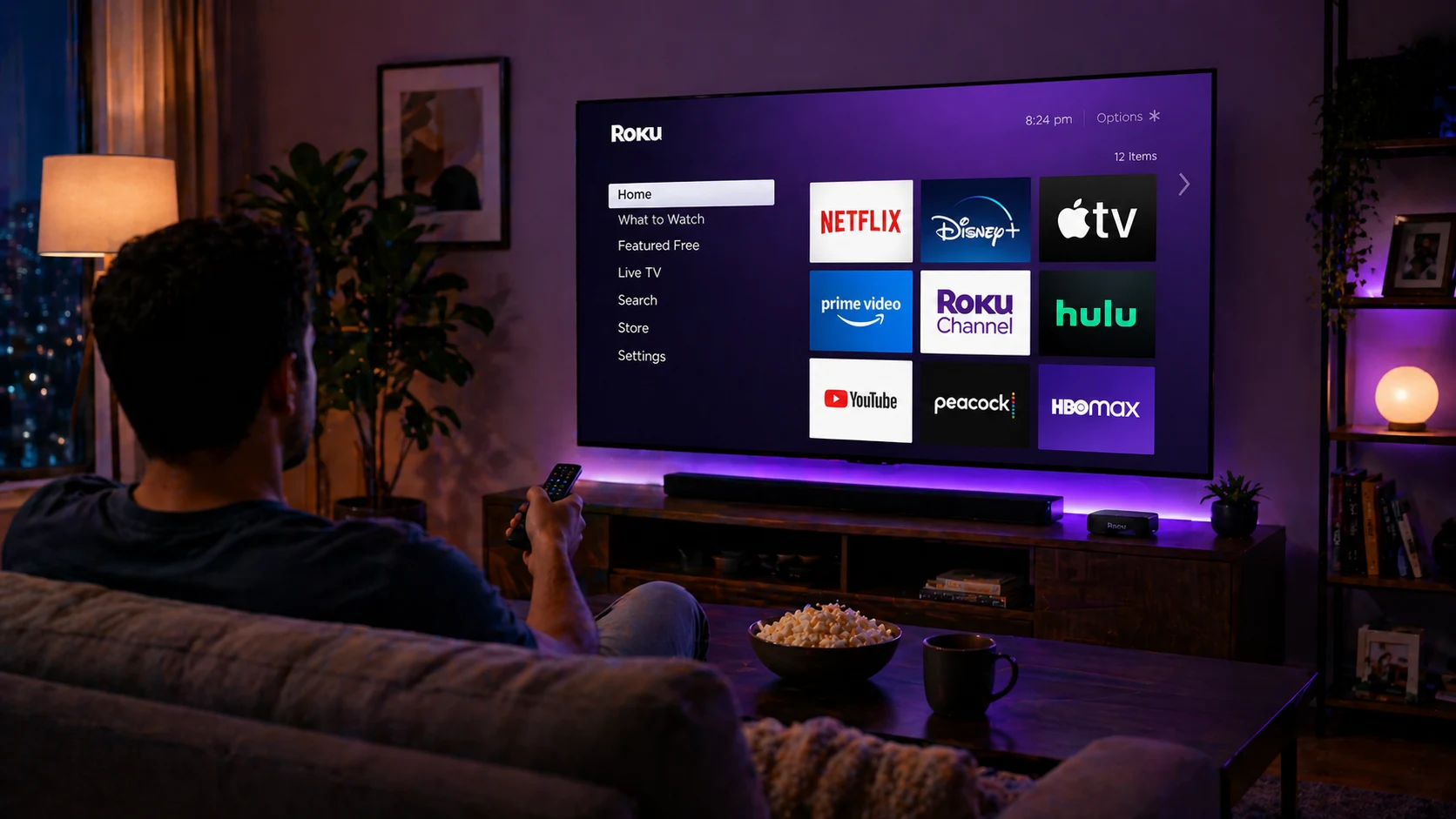
Are streaming users really patient enough to tolerate poor performance? Data says no. According to Conviva, even a 5-second delay leads to nearly 19.2% of viewers abandoning a stream, and more than half leave when content fails or loads slowly. At the same time, connected TV adoption continues to rise, with over 119 million U.S. households using connected TVs in 2026.
The success of platforms today is dependent on the performance and not so much on the backend metrics. A minor change in performance impacts all aspects of a business, resulting in poor engagement or churn. When application structure is poor, rendering is inefficient, and scalability is limited. So choosing the Roku app development frameworks has long-term ramifications concerning the ability to grow velocity.
Poor response times or inconsistent video playback create other costs and continue to impede scalability. Roku TV app development Companies like The NineHertz take a performance-first approach to building Roku apps by pairing the proper frameworks with scalable architecture to respond to the real user demand. As the streaming market rapidly evolves, selecting the proper tools to develop Roku apps will directly affect performance, scalability, and long-term sustainability.
There aren’t many framework possibilities for Roku. It has a core system and expects developers to build on it.
SceneGraph is used to build most modern Roku apps. The SceneGraph framework contains UI elements organized into a tree of nodes using an XML-based structure (XML stands for Extensible Markup Language). This tree represents all your screens, grids, and components on the Roku device, so how well the structure is built determines how well it will perform.
When a node tree is not well-structured, it will take longer to render the UI and navigate through it. However, when the tree is well-structured, the UI will remain fast, even when many assets reside in the tree.
The SceneGraph framework also provides additional separation between the UI rendering and the application logic. This separation prevents the UI from freezing up while performing tasks, such as fetching data or playing videos. The challenge lies in how developers approach the architecture.
Teams who make websites often need time to adjust to node-based architecture. At this stage, faults usually lead to performance problems later.
BrightScript helps develop small apps, but as they get bigger or more complex, it becomes more challenging to develop and maintain. The evolving language has introduced more structure to improve code organization through classes, namespaces, and imports.
The best part about developing in BrighterScript is mistake recognition during development. Converting BrighterScript code into standard BrightScript and then validating to ensure there are no errors will reduce the chances of crashes and enhance stability.
Numerous teams that are creating large-scale Roku applications utilize BrighterScript early in the development cycle, particularly when creating CI pipelines.
BrighterScript is the foundational language for Maestro and introduces the use of MVVM, which allows you to separate your application’s logic, data, and user interface into separate layers. This separation is beneficial for teams that have multiple developers working on the same codebase, as it allows the developers to work on the logic layer independent of the UI layer and speed up the development process. Framework users such as Xamarin may find it easier to adapt to the structure due to similarities.
Roact brings a way to develop Roku applications by providing a component-based development model. As a developer, you no longer have to directly manage the user interface by manually creating nodes.
Developers design components and update them when the state changes. This approach makes sense for teams with a web development background. It improves readability and allows UI components to be reused.
However, it adds another level of abstraction that may not be necessary for simpler applications.
RokuFramework utilizes an MVC Framework to manage the organization of applications, including the management of navigation, screen transitions, and total application flow. The built-in navigation stack simplifies the handling of multiple screens. Additionally, it provides structured testing, which improves the reliability of software over time. The only major drawback is that this framework requires ongoing maintenance, and it does not receive regular updates compared to newer frameworks; therefore, teams should evaluate its long-term value before using it.
| Framework | Key Features | Best For | Pros | Cons |
|---|---|---|---|---|
| SceneGraph | XML UI, BrightScript logic | Native apps | High performance, official support | Steep learning curve |
| BrighterScript | Classes, namespaces, compiler | Large projects | Error detection, structured code | Requires transpilation |
| Maestro | MVVM, testable logic | Team development | Clean architecture | Depends on BrighterScript |
| Roact | Component-based UI | UI-heavy apps | Familiar for web developers | Extra abstraction |
| RokuFramework | MVC, navigation stack | Prototyping | Structured flow | Limited maintenance |
Frameworks define structure. Tools determine how well your software performs.
Roku apps often behave differently on real devices compared to development environments. That is why experienced teams rely heavily on debugging and performance tools.
Most teams use the BrightScript extension with Visual Studio Code. This can be used for syntax checking, code debugging, and sideloading files directly to the device. It also allows for immediate feedback to developers writing in BrighterScript, which reduces the amount of testing they need to do before releasing an app.
The Roku Software Development Kit (SDK) is used to develop applications by utilizing the APIs and debugging tools that allow for streaming functionality. The Roku SDK must be used in order to package and deploy any Roku channel.
The bsc CLI automates the development process by providing build automation features like source code compilation, continuous integration, pipeline integration, and more. Developers also have the ability to quickly verify their code for changes using the BSC CLI without the need to deploy a Roku channel.
As applications grow in size and complexity, automating the testing process becomes even more crucial. The Robot Framework provides the ability to simulate user events through Python scripts. The library provides for more efficient testing and enhances the repeatability of testing.
Most UI issues are related to structure rather than business logic. This allows developers to view the scenes (node structure) of the application in real time; this makes it much easier for developers to identify layout issues.
RALE provides the ability for developers to apply live updates of UI elements directly to the device, significantly improving the rate of iterating on UI elements.
This tool records, tracks, and monitors CPU and memory usage, thus allowing the identification of performance issues prior to occurring in an end-user environment (e.g., lower performance when using older devices).
The profiler shows the longest-running portions of code, helping developers identify problems and improve performance.
This framework allows developers to validate application logic and components, helping identify issues early before deployment.
Roku provides this tool to check for obsolete APIs and common bugs before certification. Using it helps avoid delays in the submission process.
Playback issues are not always visible during standard testing. This tool verifies playback across different formats and configurations.
Deep linking helps with user acquisition and ensures users land on the correct screens when entering from external sources such as ads or search results.
A focused stack is critical for building Roku apps. BrightScript handles the logic, while SceneGraph manages the UI.
BrightScript follows an event-driven model. It responds to user actions and system events, helping keep resource usage low.
SceneGraph defines the UI using an XML-based node structure. It adapts to different screen sizes and separates rendering from logic execution.
Most modern Roku apps are built using these technologies.
You need to install the Roku SDK and enable developer mode on your device to get started. Development then becomes a cycle of building, testing, and improving directly on the hardware.
You only need Roku’s built-in stack to develop an app that works. Problems start to crop up as you try to make it bigger.
As apps develop, they will require more than just code, user usage, and feature development; this is where additional tools provide developers with what they need.
When developing on Roku, the ropm package manager allows developers to use shared libraries instead of building functionality for each and every app. A good example of this is the @rokucommunity/bslib package, which allows developers to use a collection of utility methods for functions that they need to perform often.
Using the ropm command line, the development process allows codebase maintenance to be easier and allows changes with less difficulty, especially in large projects where you want less duplication of logic to handle.
Basic analytics are provided on Roku, but they tend not to be very detailed. With the introduction of additional technologies, third-party tools can help track how users are interacting with various aspects of your app without bundling closely with the logic of the app. By being able to see how users interact, you gain the ability to improve your app during iterative development.
The SDKs already existing do not satisfy all requirements; there are several areas where there is no existing SDK, so some companies need to develop their own. With all the customizations involved, businesses can create innovative user experiences beyond what is possible with the default design or template.
Some groups, while less common, have employed game engines or additional cross-platform technologies for certain projects. This demonstrates that the platform can be expanded when needed.
By augmenting the native stack, third-party tools can be effectively utilized. They improve overall performance and make the development process smoother as software evolves.
Choosing Roku app development frameworks is determined based on your project scope, capabilities of your team, and long-term scalability objectives.
It’s not just about giving you more options when building a Roku application, but about choosing the best Roku app development frameworks to achieve the performance, scalability, and user experience you desire. The best development teams create long-lasting applications by balancing optimal structure, development processes, and the limitations of real-world devices. With multiple streaming companies competing for the same users, it has become critical to select an appropriate direction early on; inadequate planning today can mean that some applications will be successful while others will not.
Typically, app development for Roku is anywhere from $8,000 to $25,000+, averaged per project. Some of the major contributing factors include the complexity of the app and where your developers or designers are located.
Simpler applications typically cost significantly less than more complex applications. You will still have additional expenses related to hosting, content delivery networks, and fees related to submitting your application to the Roku Channel Store.
The tools and technologies used for creating Roku apps include the Roku Software Development Kit (SDK) used for development and deployment, BrightScript for application logic, and SceneGraph for creating the UI. In order to create an optimal streaming experience, development teams may also use BrighterScript, leverage cloud services (e.g., Amazon Web Services (AWS) and Microsoft Azure), and utilize third-party media players when needed.
Roku apps usually need about three to six months to create, from conception (planning, design, coding, testing, and publishing). Utilizing agile development methodologies can help teams accelerate MVP development.
Yes, we will continue to provide ongoing support, including fixing bugs, optimizing functionality through new feature additions and confirming compliance with Roku guidelines. This will assist in sustaining and growing your user base over the long term.
Yes. In order to transfer applications, you must rebuild your UI and UX, rewrite all code, create additional functionality exclusive to Roku, and complete thorough testing to ensure that your application is working correctly.
By contract-hiring a development team to assist you with the development of your application, you will have access to qualified BrightScript developers who will assist you in completing your project on time and on budget, reducing your overall hiring costs; building scalable applications that can grow with your company; and allowing for monetization through advertising and subscription.
By ensuring that your application is performing correctly, testing it across a number of different devices, adhering to the Roku specifications, and validating video streaming quality and function through a combination of appropriate testing methods.
A development partner provides the expertise needed for your project in every one of the developed phases, from user interface and user experience design to the implementation of more complex features.
A react native app development company in India can help escalate your business to the next level via a high-performing…
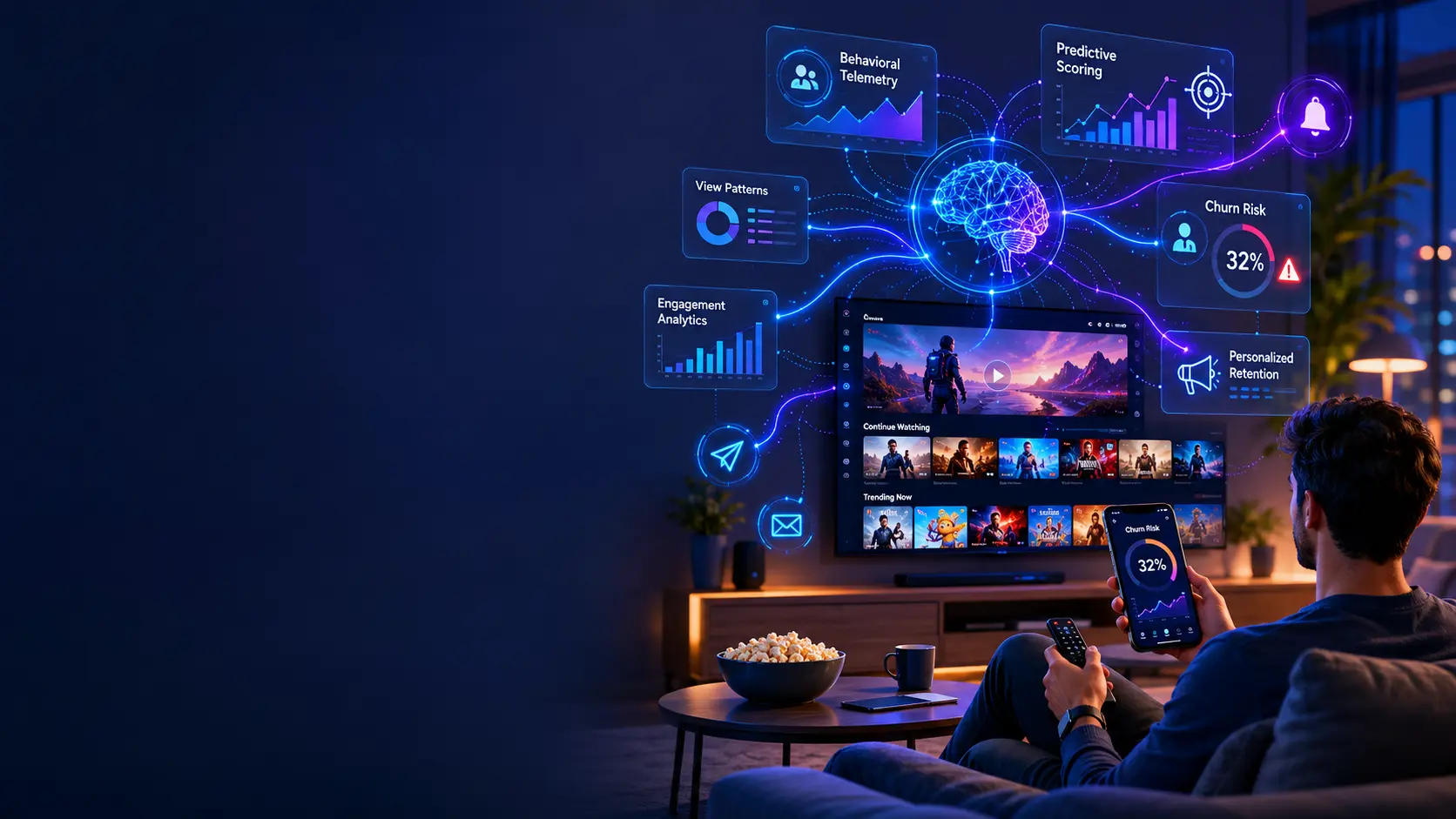
Key Takeaways OTT platforms now face monthly subscriber churn rates of 5.5%, nearly triple the 2% recorded in 2019, and…

Key Takeaways AI is changing the landscape of fitness apps, providing more sophisticated personalized workouts from machine learning, computer vision,…